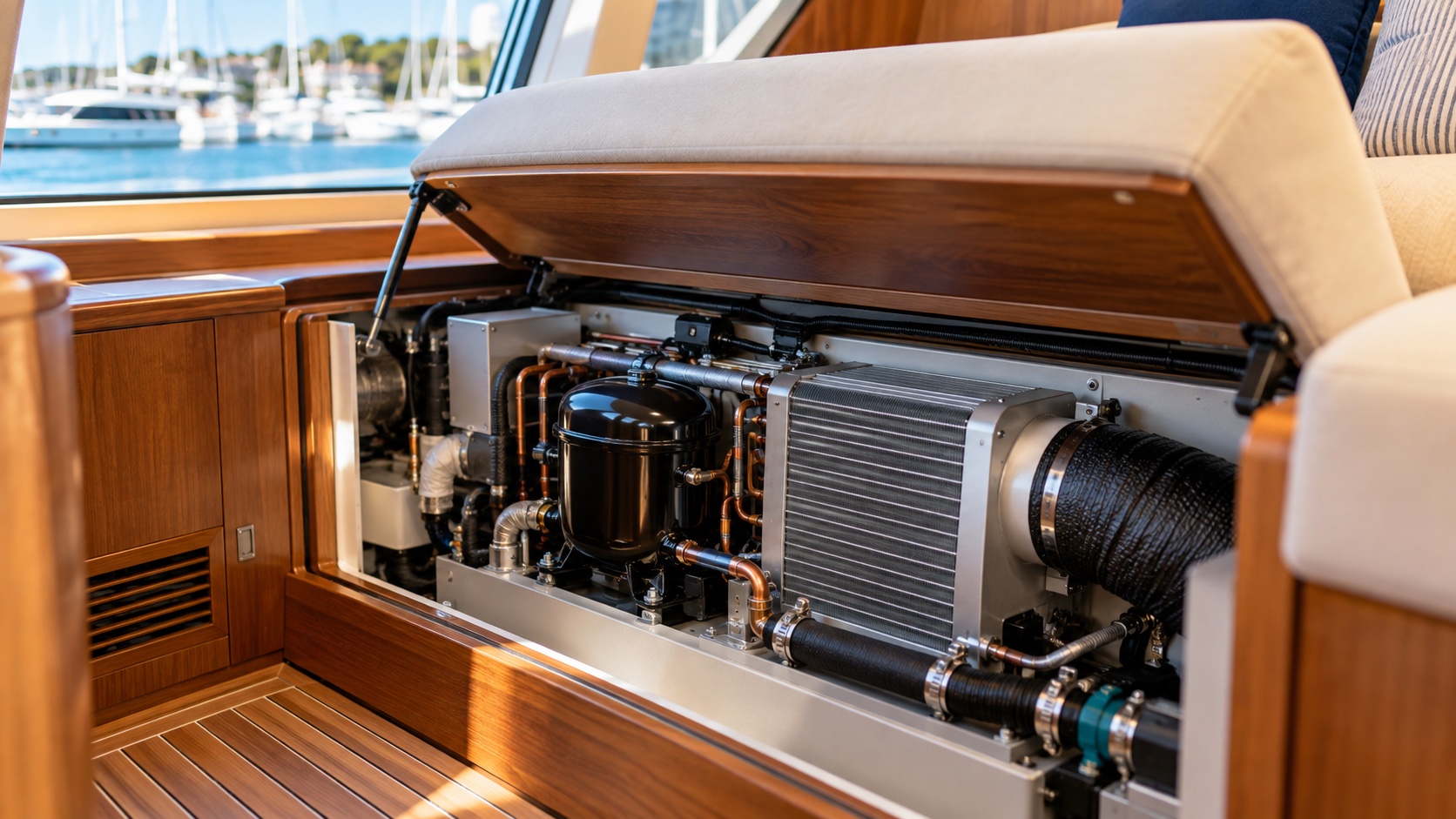

The fan is running, but the cabin is still warm. That does not automatically mean the AC needs more refrigerant. Airflow may be restricted, seawater may not be carrying heat away effectively, or the unit may have stopped cooling to protect itself. Separating these possibilities helps avoid paying for the wrong repair.
This guide covers common seawater-cooled marine AC systems. It helps owners recognise symptoms and explain them to a technician. Always use the operating instructions and fault-code guidance for the actual model aboard.
Why can the fan run without cooling?
Think of AC as a machine that moves heat out of the cabin. The fan moves air; the cooling system removes heat. A running fan proves that air is moving, not that the whole cooling system is working.
Home AC normally releases heat into outdoor air. The marine systems discussed here use seawater to help carry it away. That water passes through the equipment and returns overboard; it does not blow into the cabin. Refrigerant is the substance circulating inside a separate closed circuit to transfer heat. It is not fuel that the unit is meant to use up. [1][2]
10 seconds: why air can keep moving while cooling gets worse
This clip illustrates one possible cause: reduced seawater flow makes heat removal less effective. The fan can keep moving air even as cooling deteriorates. Watch the heat-removal section on the right and the changing air colour on the left. Moving air alone does not prove that the AC is cooling properly; seawater flow is one possible cause, not a diagnosis for every warm-air problem.
Open video in a new window ↗
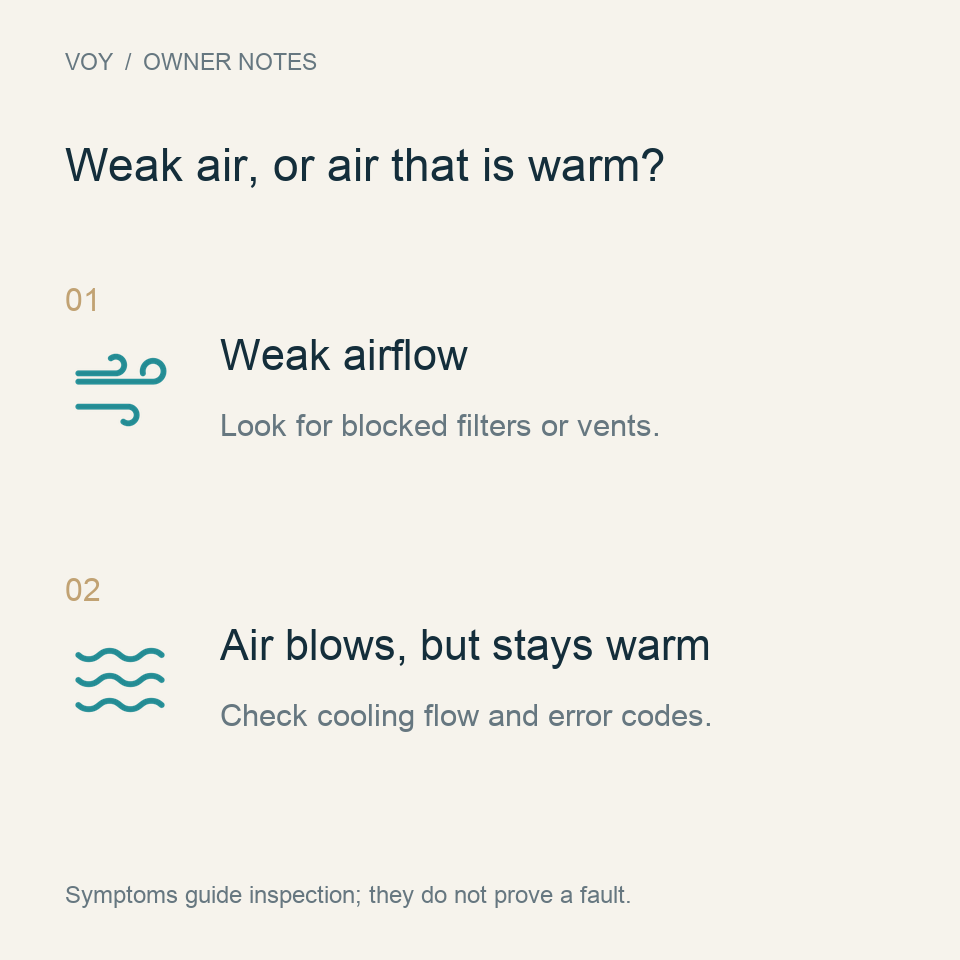
First, separate weak airflow from warm airflow
If less air comes out than usual, start with the air path. Is luggage or a cushion covering the return-air grille? Is the filter dirty? These restrictions reduce the air passing through the unit and can slow cooling throughout the cabin.
Some units may ice up when airflow is restricted, making the airflow even weaker. If ice appears, do not keep lowering the temperature setting or immediately add refrigerant. Stop cooling as the manual directs, allow the ice to melt and investigate the cause. Switch the unit off before cleaning a removable filter, following its maintenance instructions. [1]
If airflow feels normal but the air is warm, confirm that the controller is in cooling mode rather than fan-only mode, with the set temperature below the cabin temperature. If those settings are correct, note whether the unit stops soon after starting or displays an error. Do not assume that the compressor needs replacing.
Next, notice changes in seawater discharge
From a safe position, observe the outlet where your AC would normally discharge seawater. A noticeably weaker flow, or no flow, may mean heat is not being removed effectively. Possible inspection points include debris at the inlet or strainer, a pump problem, or a restriction in the pipework.
It is rather like blocking a radiator: heat cannot escape properly. The fan may still run while cooling becomes poor or a protective shutdown occurs. A small visible stream does not prove the flow is sufficient. A technician must check it against the particular equipment. On systems with a shared pump, one outlet cannot establish that every cabin unit has adequate flow. [2][3]
Owners can record changes in discharge, but should not open below-waterline strainers or connections simply to inspect them: uncontrolled water entry is a risk. Stop using the unit if normal discharge disappears or protective shutdowns repeat.
Do not make refrigerant the default explanation
Warm air is not proof of low refrigerant. Once airflow, seawater cooling and settings have been checked, further inspection can focus on the cooling circuit. If refrigerant is involved, a technician needs to investigate leaks and equipment condition, then follow the nameplate and manufacturer’s procedure. Repeated top-ups cannot replace finding the problem.
There is another possibility: the outlet feels cool, but the cabin takes a long time to cool down. Open doors or windows, strong sunlight and more people aboard all add heat. The unit may run continuously without reaching the set temperature. That symptom alone does not establish a failed component.
What if water is dripping inside?
AC removes moisture from the air as it cools. This condensate should drain away through its own pipe. A blocked drain or overflowing pan can leave water inside the boat. That is separate from seawater cooling, although seawater connections can leak too. The position of a wet patch does not identify the source.
Stop the unit and arrange inspection for unexplained water entry, a burning smell or signs of electrical leakage. Do not repeatedly restart it, open a live electrical box or bypass protective devices. [1][2]
Four useful things to record before booking a repair
- Timing: does cooling fail from the start, or after a period of operation?
- Scope: is one cabin affected, or several at once?
- Visible changes: note weaker airflow, unusual discharge, ice or water.
- Equipment details: photograph the nameplate, controller and fault message; note whether shore power or the generator was in use.
These details help a technician plan a more focused visit. Whether the answer is cleaning, a pump repair or further cooling-system work should follow the inspection. A complete replacement need not be the starting assumption.
Need help with the next step?
Send VOY the equipment model, symptoms and photographs to coordinate an appropriate AC inspection or repair assessment.
References and applicability
- Dometic MCS6/MCS12/MCS16 operating manual, asset 40835: operation, icing and troubleshooting.
- Dometic MCS installation manual, asset 52953: air, seawater and condensate routes.
- Webasto BlueCool S-Series official data: model-specific flow and installation needs.
- Dometic: Troubleshooting Marine AC Onboard: airflow, drainage, power and seawater cooling.
Checked 31 October 2026. Manuals apply only to the equipment they cover; consult the correct current model instructions. The cover is an AI-generated photographic-style illustration, not a particular yacht, documented repair or manufacturer-approved installation. Graphics and animation explain concepts only.